FEATURE: Line Snapping
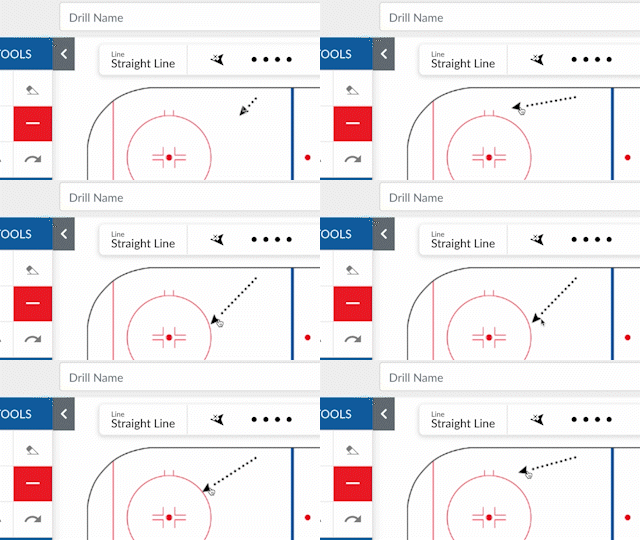
Our users wanted the ability to draw straighter lines, and we answered. Line Snap will speed up drawing picture-perfect drills, which will make it easier for your assistants to understand.
Using the Line Snap Feature
- On the Drills Page, select the straight line.
- Click and drag across the sketchpad to draw the line (do not release).
- You will notice a little snap at 45-degree increments.
- Additional adjustments while drawing.
- Hold SHIFT: To snap line to ONLY 45-degree increments.
- Hold CONTROL: To disable the feature for free-flowing adjustments.

Written by the CoachThem Team
Ditch the pen and paper! Sign up or log in to create professional digital drills in minutes.
Join CoachThem Rewards to earn money by referring other coaches and growing our coaching community!